Skip to content
One subscription · Everything included

One tool.
Everything you need.

Streamtik is the tool we wanted for our own TikTok Live streams. Interactive widgets and overlays, games your viewers play along with, text-to-speech, sound alerts and more — all in one app, built by streamers for streamers.

  • 7-day free trial
  • Cancel monthly after the minimum term
  • New games all the time

See how it looks live

Not just games — alerts, goals & more sit right on top of your stream and react to your community in real time.

LIVE

Top Gifter

The same overlay engine that runs live in your stream.

One subscription. Everything in one tool.

Other
  • Separate license per game

    Every interactive game often needs its own purchase, license, or subscription.

  • Higher long-term costs

    Adding more games can quickly become expensive over time.

  • One-game solutions

    Many tools are built around one specific game or one fixed experience.

  • More manual setup

    Different games often need different setup steps, webhook settings, and instructions.

  • Scattered updates

    Game files, updates, and fixes may need to be handled separately.

  • Less flexibility

    Trying new interactive formats usually means starting with a new tool again.

Streamtik
  • One simple fee

    One subscription for everything Streamtik does, instead of paying for each tool on your stream separately.

  • Everything in one place

    Widgets, overlays, text-to-speech, sound alerts and interactive games, all out of the same app.

  • One app

    Install, update and start every part of Streamtik from one clean place.

  • Reusable setup flow

    Set it up once and the whole toolkit works off it - overlay, alerts and games alike.

  • Streamer-first design

    Made for OBS and TikTok Live Studio, by people who stream on them.

  • More value over time

    New modules and new games land in the same subscription, without you rebuilding your setup.

How Streamtik Works

How viewer actions become moments on your stream.

  1. 01

    Start Streamtik

    Open the app and pick what runs tonight: your overlay, your alerts, a game, or all of it at once.

  2. 02

    Connect Your Live

    Streamtik hooks into your TikTok Live and listens for gifts, likes, follows, shares and comments.

  3. 03

    Viewers Trigger Events

    Every gift, like or comment can set something off. What each action is worth, you decide before you go live.

  4. 04

    Your Stream Reacts

    Overlays fire, sounds play, goals move - and if a game is running, your viewers steer it from the chat.

Featured Streamtik Games

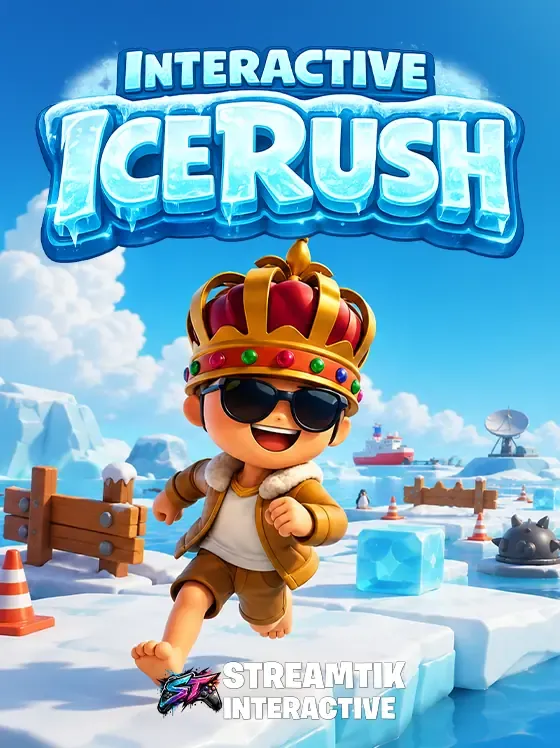
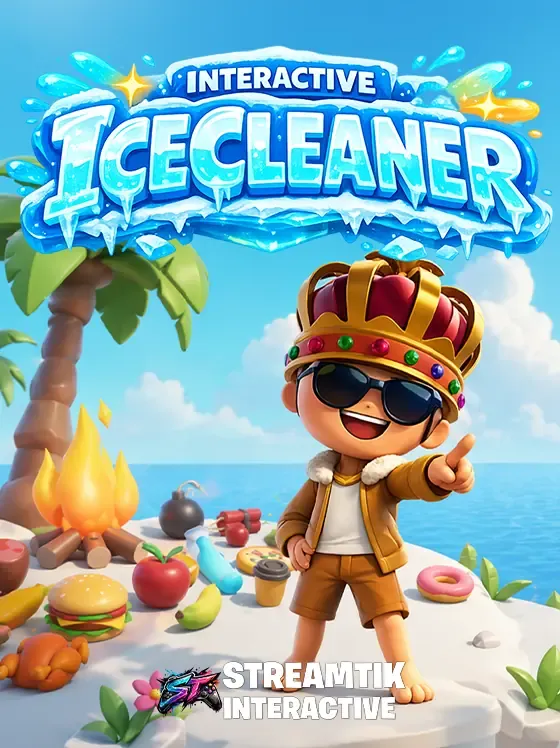
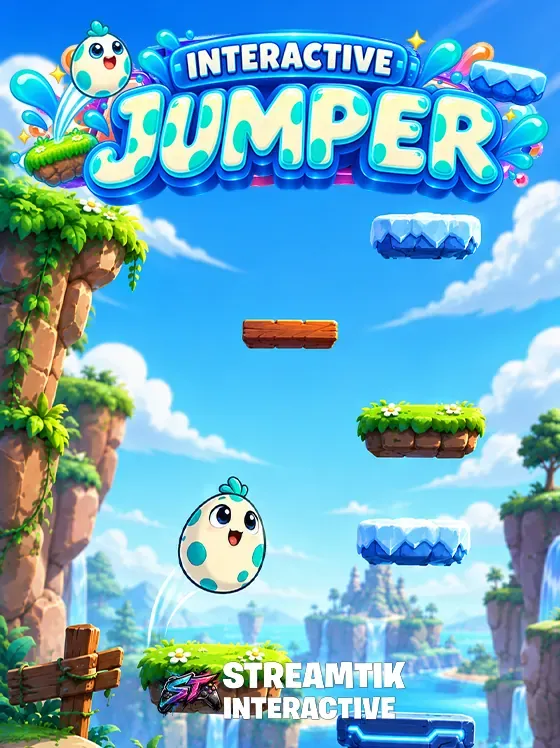
Start with ready-to-play livestream games designed for viewer interaction, chaos and creator-focused entertainment.

See all games

Frequently asked questions

What is Streamtik?

Streamtik is one Windows app for everything a TikTok Live stream needs. It runs your interactive widgets and overlays, reads chat out loud, plays your sound alerts and brings along interactive games your viewers steer from the chat. The games are one part of it, not the whole thing.

How do I add interactive games to my TikTok Live?

Install the StreamTik app on Windows 10 or 11, connect StreamTik to your TikTok live, start a game and add the overlay as a browser source in OBS.

Does Streamtik work with OBS?

Yes. The overlay runs as a browser source in OBS or in TikTok Live Studio. Our preliminary requirement is OBS Studio 29 or newer — the final list is on the download page.

What can viewers trigger from the chat?

Gifts, likes, follows, shares and comments. Every one of them can set something off on your stream — a sound, an alert, a countdown, a moment the whole chat reacts to. You decide before you go live what each action is worth.

Is there a free trial?

The monthly plan includes a 7-day free trial. The 6-month and yearly plans do not — see the pricing page for the plan structure.

Last updated: August 12, 2026

Make your next stream a game

Be there from day one. Get the app and join the community while we build toward launch.