Interactive TikTok LIVE Games & Tools
How to make your TikTok livestream interactive: what your viewers can do, which StreamTik features fit, and every game you can play with your chat.
What is an interactive livestream?
In a normal livestream your viewers watch. In an interactive livestream they take part: what they do in your TikTok LIVE changes what happens on screen. A gift, a like or a comment sets something off - a sound, an alert, an effect in a game.
StreamTik brings this together in one Windows app. It connects to your TikTok LIVE and turns what your viewers do into overlays, widgets, sounds and game effects. Before you go live, you decide what each action is worth.
How viewers can take part
StreamTik reacts to these live events, and every one of them can set something off on your stream:
- Gifts
- Likes
- Follows
- Shares
- Comments
That can be a sound, an alert, a countdown or a moment the whole chat reacts to. In the games, your viewers do not have to install anything: a gift, a like or a comment in your TikTok LIVE is enough.
Gameplay examples
- Interactive Ice Rush
Your chat throws snowballs, sends the runner to jail, or hands out shields and boosts - set off by a gift, a like or a comment.
- Interactive Ballbound
Roll to the goal - your chat decides how hard it gets.
- Interactive Racing
Race to the finish - your chat throws everything in your way.
StreamTik features for interactive streams
Games
Interactive games your viewers steer from the chat. They plug into StreamTik from a single setting.
Overlays
The overlay runs as a browser source in OBS or TikTok Live Studio. Gifts, likes, follows, shares and comments become on-stream action, with built-in minigames such as Action Wheel and Bingo.
Widgets
Ready-made widgets such as Fireworks, Falling Gifts and a Chat Overlay. The newest widgets are added continuously.
Text-to-speech
The app reads chat out loud. It comes in the same app as the overlay and the widgets.
Sound alerts
The app plays your sound alerts. Which action sets off which sound, you decide before you go live.
Game Control
In Game Control you decide which gifts trigger which action in a game. It comes with the app and your license.
All available games
Every plan includes all games and modules. Open a game for its details, the effects your viewers can trigger and the setup.
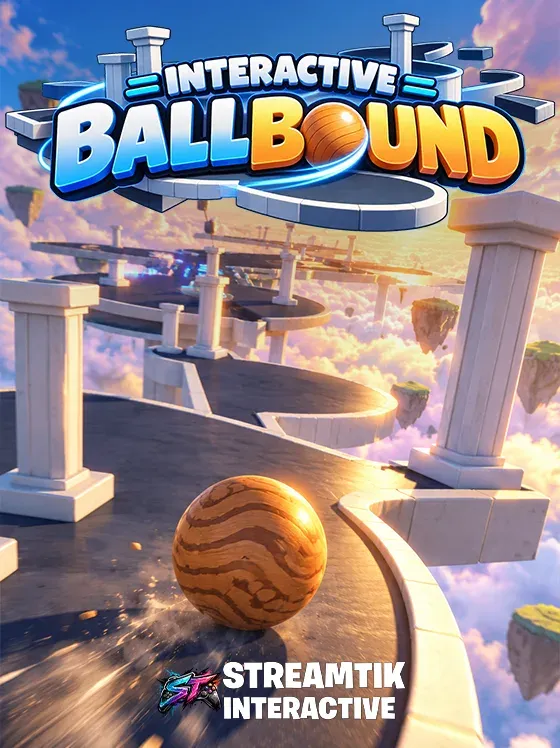
Interactive Ballbound
Roll to the goal - your chat decides how hard it gets.
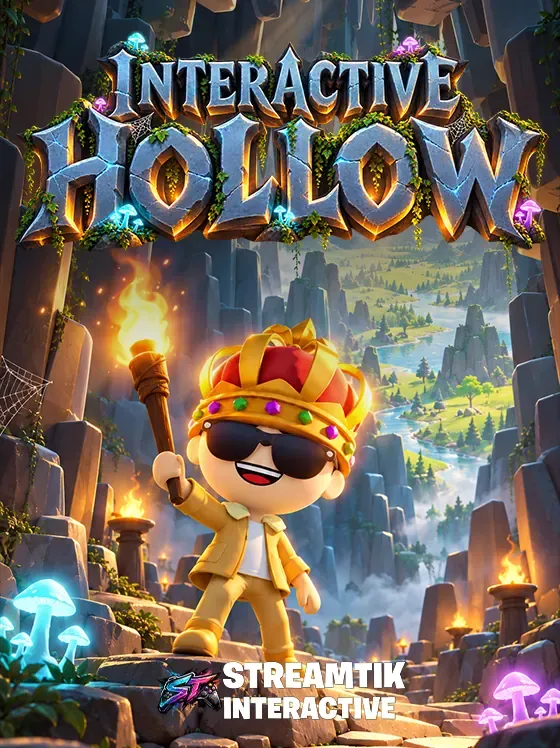
Interactive Hollow
Run through the haunted tunnel - your chat sends the horrors.
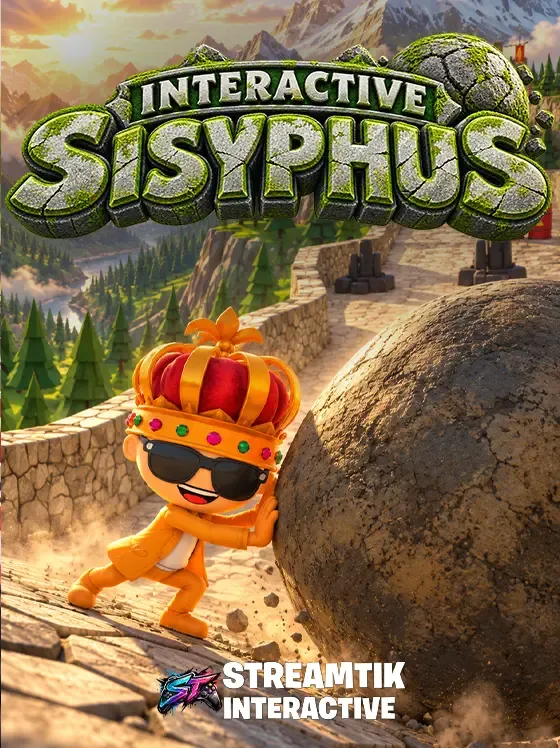
Interactive Sisyphus
Roll the stone ball up the mountain - your chat helps or hinders.
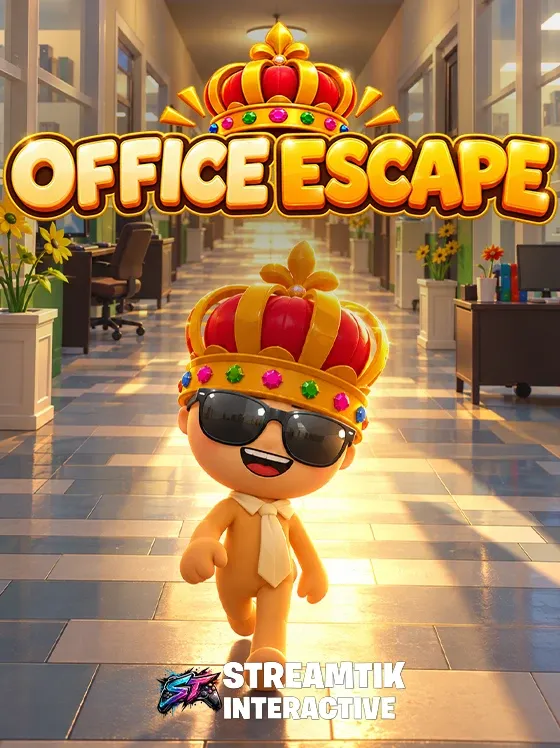
Interactive Office Escape
Straight office hallway, exit door - your chat helps or hinders.
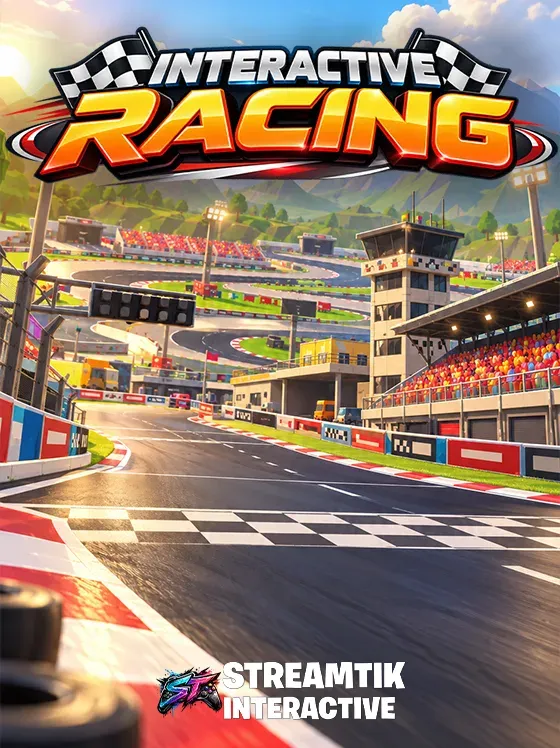
Interactive Racing
Race to the finish - your chat throws everything in your way.
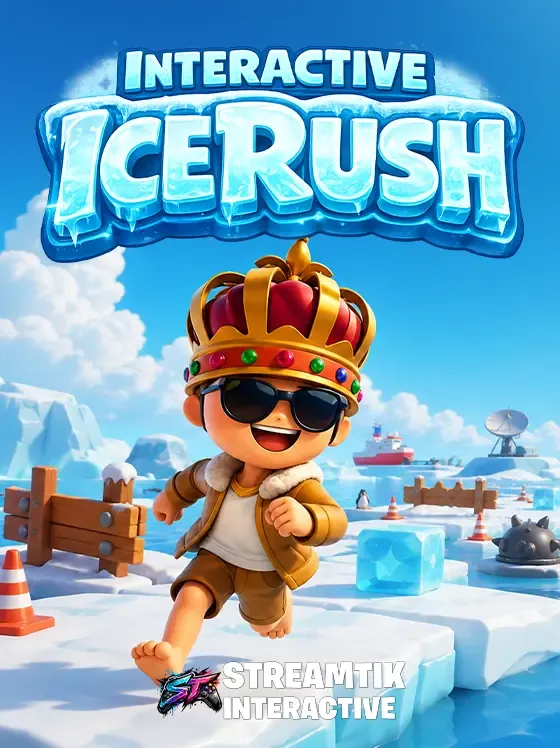
Interactive Ice Rush
Live race game
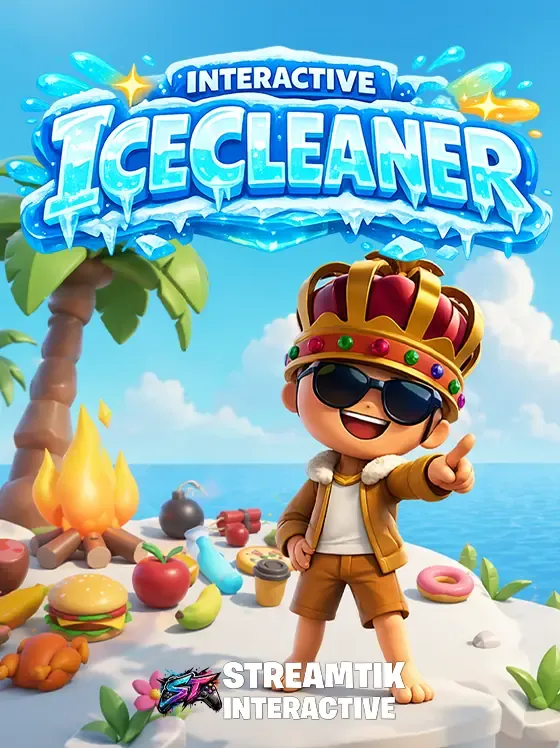
Interactive Ice Cleaner
Live cleanup game
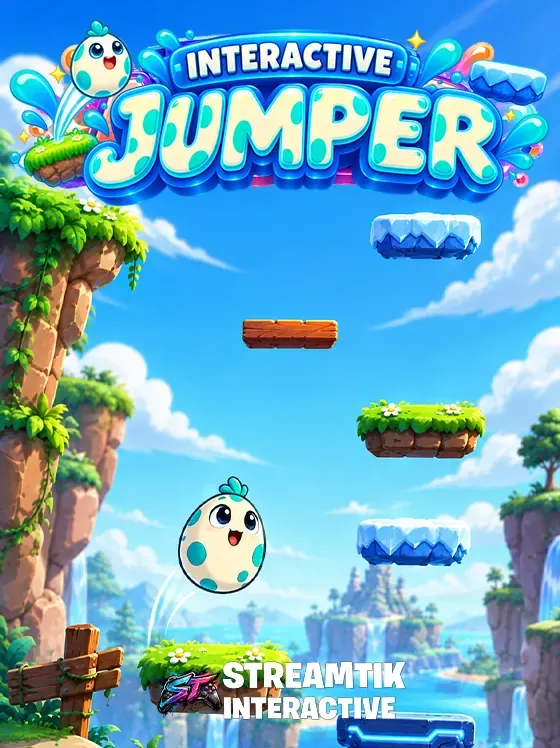
Interactive Jumper
Live tower-jump game
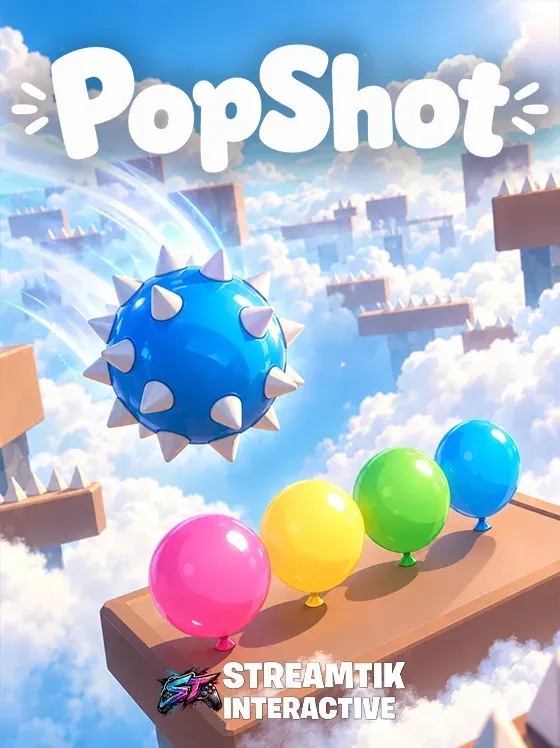
Interactive PopShot
Live balloon-popping game
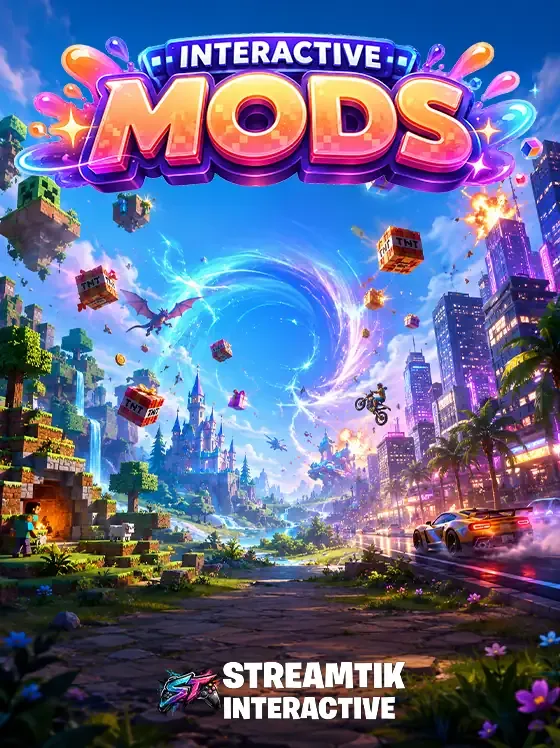
Interactive Mods
Live mods for existing games
What you need to get started
You need a Windows PC and a streaming program. Then you connect StreamTik to your TikTok LIVE, start a game and add the overlay as a browser source. The current requirements are always on the download page.
- Operating system
- Windows 10 / 11 (64-bit)
- Streaming
- OBS Studio 29 or newer, or TikTok Live Studio
Want it step by step? These two guides walk you through it:How to make TikTok LIVE interactive·Connect TikTok LIVE to OBS
Do you look after streamers for an agency?StreamTik for agencies
Frequently asked questions
How can I make my TikTok livestream more interactive?
Let your viewers change what happens on screen. With StreamTik, gifts, likes, follows, shares and comments can set off sounds, alerts, widgets and effects in interactive games - in Interactive Ice Rush, for example, your chat throws snowballs at the runner. Start with the StreamTik app.
What can viewers trigger in a TikTok LIVE?
Gifts, likes, follows, shares and comments. Every one of them can set something off on your stream - a sound, an alert, a countdown, a moment the whole chat reacts to. You decide before you go live what each action is worth.
Do my viewers need to install anything?
No. In the games, a gift, a like or a comment in your TikTok LIVE is enough to join in.
Which interactive TikTok LIVE games are available?
Interactive Ballbound, Interactive Racing, Interactive Ice Rush, Interactive Ice Cleaner, Interactive PopShot and Interactive Jumper, plus Interactive Mods for already available games. The list above links every one of them, and the games overview shows them side by side.
Does it work with OBS and TikTok Live Studio?
Yes. The overlay runs as a browser source in OBS or in TikTok Live Studio. The current requirements are listed on the download page.
Is this part of the subscription?
Yes. Every plan includes all games and modules, and the StreamTik overlay with widgets, text-to-speech and sound alerts comes with the same subscription - see the Streamtik subscription plans.
Last updated: August 12, 2026